AI for Accelerating Proposal Reviews and Decisions
Introduction
You have finally reached the deadline for your Request for Proposal
(RFP). You spent weeks herding internal cats to get the requirements
right, you fought for the budget, and you finally hit send. The
submissions are in, and for a brief moment, you feel relief. Then, you
open your inbox and stare at the reality: 20 different vendor proposals,
all formatted differently, totaling hundreds of pages of dense technical
and legal jargon.
The initial relief of receiving bids instantly curdles into the dread of
the "messy middle": the weeks of manual reviews required to identify the
best options. This is where the real pain begins. You are facing 20 to
80 hours of what industry experts call "spreadsheet archaeology"-digging
through PDFs to find answers, manually typing them into Excel, and
trying to remember if Vendor A’s security protocol was actually
compliant or just sounded nice.
The question every procurement leader and business development manager
asks is: "What AI tools can accelerate proposal reviews?" Traditionally,
the answer was either "hire more people" or "buy expensive software"
that requires months of implementation. However, a new generation of
specialized AI analysis tools is changing this dynamic. By automating
the heavy lifting of scoring and ranking, these tools help teams cut
review cycles by approximately 60%, transforming weeks of reading into
minutes that inform strategic decision-making.
TL;DR: Key Takeaways
- The "Friday Afternoon" Effect: Manual reviews suffer from reviewer
fatigue; a proposal read on Friday afternoon rarely gets the same
attention as one read on Tuesday morning, leading to inconsistent
scoring.
- Analysis Over Administration: The goal is not just to read proposals
but to score, rank, and identify gaps to inform critical decisions
quickly.
- Automated Ranking: AI analysis tools like BidHawk AI act as a
consistent "Digital Subject Matter Expert," automating the scoring and
compliance checking process to provide an objective baseline.
- Results in Minutes: Specialized tools can analyze documents in less
than 5 minutes, allowing teams to start decision-making on Day 1
rather than waiting for software implementation and data to be
aligned.
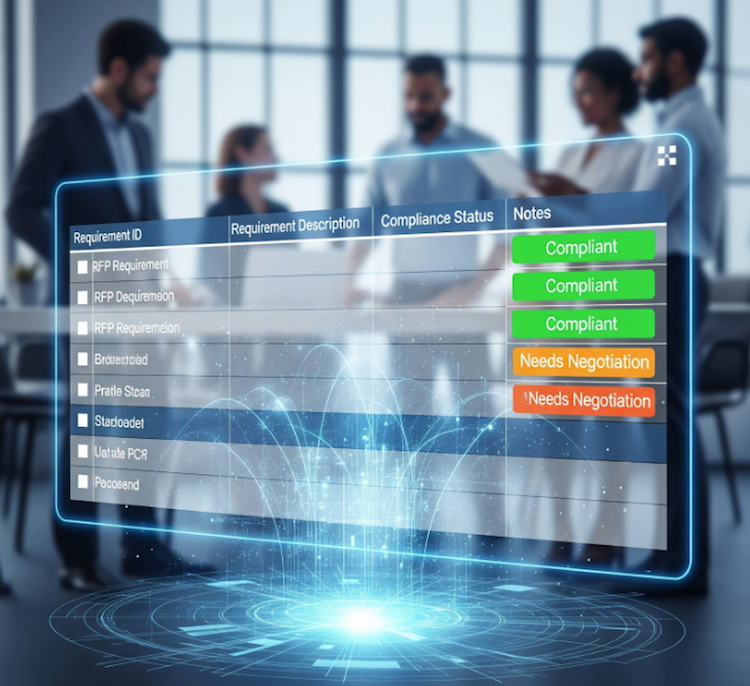
- Focus on Exceptions: By tagging compliance items as "Compliant,"
"Needs Negotiation," or "Subjective," teams can skip the boilerplate
approaches and focus 100% of their energy on high-risk areas
immediately vs getting lost in the sea of text.
The Challenge: Why Manual Reviews Are Too Slow
To understand how AI accelerates the process, we must first look at what
slows it down. The friction in proposal reviews usually stems from three
specific structural disadvantages that drain the passion out of even the
most dedicated procurement teams.
The "Needle in the Haystack" Problem
When a team receives 10 to 30 proposals per RFP, the sheer volume of
documentation becomes unmanageable. Reviewers often spend 20 to 80 hours
just reading and mapping responses to requirements (assuming the
requirements and measures for success were clear to begin with). As
fatigue sets in, the quality of the reviews drop. This leads to missed
requirements and inconsistent scoring simply because the human brain
struggles to maintain peak attention across hundreds of pages of
technical text.
The "Subjectivity Trap"
Even with a clear rubric, two humans will often interpret the same
answer differently. One might see a vendor's "partial" answer as a
deal-breaker, while another sees it as acceptable. This inconsistency
makes it incredibly difficult to create a defensible shortlist. Teams
often end up spending more time de-conflicting their own "scoring wars"
than analyzing the actual value of the vendors.
"Spreadsheet Hell"
Most teams rely on Excel for comparisons. However, manually typing
proposal data into spreadsheets is slow and error-prone. It creates a
"data prison" where context is lost, and version control becomes a
nightmare as spreadsheets are emailed back and forth between
stakeholders.
The fastest way to cut through this noise is to employ an AI tool
designed specifically to solve the "analysis gap." BidHawk AI addresses
these bottlenecks by focusing on the analysis layer, acting as a
lightweight utility that allows users to drag-and-drop requirement
documents and proposals to get immediate insights. Don’t worry, you can
still use spreadsheets!
Automated Scoring and Ranking
Instead of manual data entry, BidHawk AI automatically reviews,
analyzes, and ranks proposal submissions against your RFI, RFP, or RFQ
requirements. It acts as a neutral "Digital Subject Matter Expert"
(SME), applying consistent evaluation logic to every document. This
helps buyers quickly identify the best-aligned candidates and prioritize
their efforts on the most promising vendors without the bias inherent in
manual reviews.
Gap Identification and Risk Tagging
Speed often comes at the cost of accuracy, but specialized AI avoids
this trade-off. BidHawk AI categorizes specific findings into four
actionable buckets:
- Compliant
- Needs Negotiation
- Subjective
- Non-Compliant
This granularity allows review teams to ignore the clear-cut "Compliant"
sections and focus their energy on the "Subjective" or "Needs
Negotiation" items where the real risks lie. It explicitly flags where a
vendor failed to address a requirement or used "marketing fluff" instead
of facts, ensuring no gap goes unseen.
Speed Metrics: 5 Minutes to Insight
One of the most significant advantages of modern AI analysis tools is
the "time-to-value." While traditional platforms often require weeks of
configuration and content library population, BidHawk AI is designed to
deliver analysis results typically in less than five (5) minutes. This
efficiency allows teams to move from a stack of unread documents to a
ranked list almost immediately, potentially reducing the overall review
and decision process by 60%.
Downloadable Reports for Collaboration
Recognizing that most final decisions happen in spreadsheets, BidHawk AI
does not trap data in a dashboard. It exports structured analysis to PDF
Executive Summaries and Excel data files.
- For Leadership: They get a high-level summary with cited
justifications regarding Cost, Benefits, Risks, and Schedule to
approve next steps quickly.
- For Teams: They get detailed Excel comparisons to verify compliance
and collaborate within their existing environments (like Google
Workspace or Office 365) without paying for extra software seats.